
Hermes yesterday, October 25, 2026: updates stop switching off your memory plugin
What landed on Hermes Agent main on October 25, 2026: updates that keep memory plugins and the memory provider, the Desktop in a browser tab served by your gateway, a vault key in the OS keychain, cron results in Desktop chats and 29 new plugins.
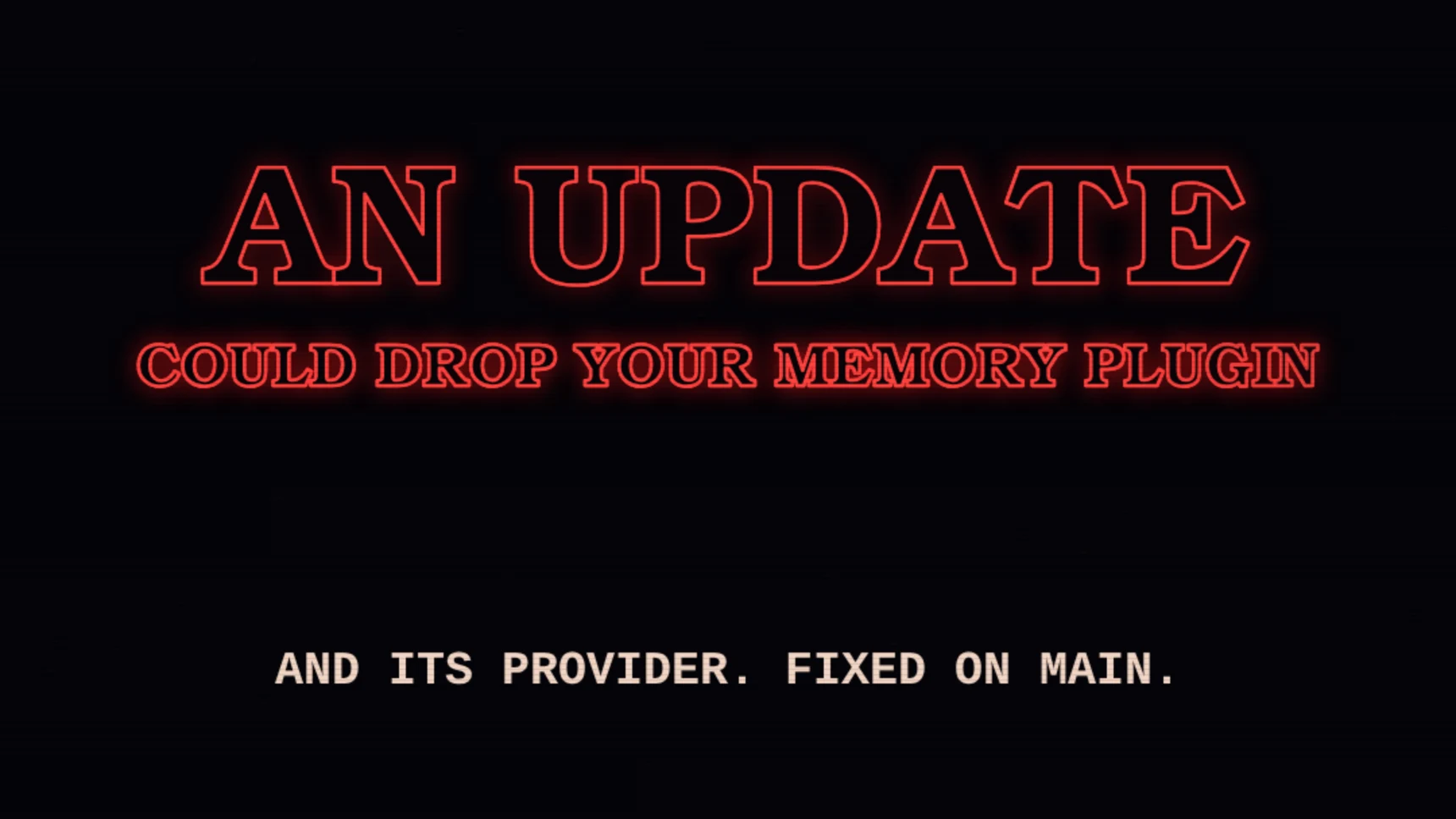
Table of contents
- 1. Updates stop switching off memory plugins and forgetting your provider
- 2. Your gateway can serve the Desktop in a browser tab
- 3. The vault fills one-time codes only on their own site, and its key can move to the OS keychain
- 4. Cron results, heartbeats and Kanban wakes reach Desktop, TUI and CLI chats
- 5. Long commands in Docker, Modal and SSH stop dying halfway
- 6. The gateway stays up when messaging fails, and Windows starts it after a reboot
- 7. A crashed turn shows its real error, not Something went wrong
- 8. Shorter prompts: one-shot runs send 1,570 fewer tokens per call
- 9. Voice: the local Desktop speaks and listens, and the agent picks ElevenLabs voices
- 10. 29 new plugins in the catalog, led by four memory providers
- Meanwhile, in the engine room
- Watch the recap
If an update switched off your memory plugin, it also erased which memory provider you had picked, and hermes doctor called the built-in fallback fine. Fixed on main, and two commands bring yours back. Also new: the Desktop workspace in a browser tab, served by your own gateway, cron results that finally reach Desktop chats, a vault key that can live in the OS keychain and 29 new plugins. 678 commits landed; here are the 10 that matter.
1. Updates stop switching off memory plugins and forgetting your provider
Before: Hermes solved plugin dependencies for every platform at once, Android included, so plugins whose dependencies ship no Android builds (mnemosyne through onnxruntime, torch-based plugins) failed to resolve on Linux and macOS, and hermes update turned them off on every run. Any update that turned a plugin off also emptied memory.provider, so Hermes fell back to built-in memory, hermes doctor reported that as fine, and the plugin never came back on its own. After: plugin dependencies are solved only for the machine that installs them. An update that still has to turn a plugin off keeps memory.provider, records why and turns the plugin back on in a later update once it fits; startup, hermes memory status and hermes doctor say it is off. Heads-up: configs broken by earlier updates are not repaired. hermes doctor now flags a plugin left in both plugins.enabled and plugins.disabled; bring yours back with hermes plugins enable <name>, then hermes config set memory.provider <name>.
Pull requests: Solve for this machine only, Provider kept, plugin retried, Plugin in both lists flagged.
2. Your gateway can serve the Desktop in a browser tab
Before: the Desktop workspace needed the native app. After: with webapp.enabled: true (off by default), the profile’s gateway serves the same workspace from its own listener, at 127.0.0.1:9120 unless you change it, and hermes webapp opens it with a one-use sign-in link (on macOS, the BSDs and WSL it prints the link instead). Chats run on the gateway that already serves the CLI, the native Desktop and messaging, so every surface shows one conversation with one queue. In the native Desktop, Settings, Web Access serves it on your network or at your own URL behind Nous sign-in, and hermes webapp --sign-out signs every browser out. Limits: on your network it is plain HTTP, and the pane now says the connection is not encrypted; the page sends no Content-Security-Policy yet; and a fix for Send erasing the draft on a plain-HTTP network address is still in review.
Pull requests: Webapp served by the gateway, Plain-HTTP fixes, in review.
3. The vault fills one-time codes only on their own site, and its key can move to the OS keychain
Before: browser_vault’s enter_code generated a saved login’s one-time code and typed it into whatever page the browser was on, while password, card and address fills already refused a page outside the login’s saved sites. The vault key always sat in a file next to the encrypted vault, and if vault.key was deleted, Hermes minted a new key that could not open the vault and called it key mismatch or corruption. After: every fill checks the page against the login’s saved origins before any secret is read. vault.key_storage: keychain (opt-in; the default stays file) puts a new vault’s key in the macOS Keychain, Windows Credential Manager or the Linux Secret Service, with the file as fallback on a headless machine, and hermes vault key migrate --to keychain moves an existing key only after it proves the copy opens the vault. A missing key now gets a recovery message and nothing is written. Password-manager plugins can add their logins to browser_vault, only from bundled plugins or verified and official catalog entries, and each sees only its own entries. Limits: in keychain mode a backup of ~/.hermes no longer carries the key, and on Linux and Windows any program running as you can still ask the keychain for it; a plugin running inside Hermes can still read the vault either way.
Pull requests: One-time codes on the saved site, Key in the OS keychain, Password-manager plugins.
4. Cron results, heartbeats and Kanban wakes reach Desktop, TUI and CLI chats
Before: a cron job created from a Desktop, TUI or CLI chat delivers back to that chat by default, but the result was dropped while the job recorded it as delivered (or failed with platform local not configured), a Kanban wake never woke a local chat, and heartbeats never fired in one. After: Kanban wakes and due heartbeats run as turns in that chat, and a cron result is written into the chat’s history as a note, with no extra model call. When no gateway can take it, such as a standalone hermes cron run, the delivery reports an error instead of a false success. Limits: an open chat shows the cron note only when it next loads its history (reopen or reattach), attachments in a cron result are not delivered, and a classic CLI does not draw a Kanban wake turn on screen.
Pull request: Cron, heartbeats and Kanban in local chats.
5. Long commands in Docker, Modal and SSH stop dying halfway
Before: the terminal’s idle reaper tore down any environment left untouched for terminal.lifetime_seconds (default 300 s), but a foreground command can run for 600 s and only background processes refreshed that clock. So a long build or test suite had its Docker container stopped (exit 137), its Modal sandbox terminated or its SSH connection closed mid-command, and on the local backend its exported variables and working folder silently reset. Time spent waiting for your approval counted as idle too. After: an environment with a command in flight is never reaped, and the idle countdown starts when the call ends. Also fixed: the classic CLI on a Docker or SSH profile failed to start with invalid_params, because it sent the sandbox folder (/workspace) as the session’s folder; it now sends the folder you launched from. Limit: a Docker workspace container shared with a managed worker in another process can still be stopped by that process’s reaper.
Pull request: Idle reaper and Docker/SSH CLI start.
6. The gateway stays up when messaging fails, and Windows starts it after a reboot
Before: when every enabled messaging platform failed for good at startup (WhatsApp unpaired, Telegram or Discord enabled with no token, Node missing, a port taken), the gateway exited with code 78 and took the CLI, TUI, Desktop and cron down with it; under systemd it stayed down. Losing the last platform mid-run, such as a revoked Telegram token, stopped it too. On Windows, one stray line in the schtasks listing (an orphaned task entry, common on OEM and long-lived installs) left the Desktop looping on Gateway inaccessible (service_state_unknown) after every reboot, and a non-ASCII user name broke the gateway launcher before anything was logged. After: the gateway parks the failed platforms and keeps running as degraded, with the bot shown as down in hermes gateway status, /api/status and the health snapshot; only another gateway holding the same bot or profile still stops it. On Windows, lines that are not task rows are ignored and the launchers are written as UTF-16. Heads-up: an existing launcher is rewritten only by hermes update or hermes gateway install.
Pull requests: Degraded instead of exit 78, Windows cold start.
7. A crashed turn shows its real error, not Something went wrong
Before: when a turn crashed inside the gateway, the CLI, TUI and Desktop showed Details: Something went wrong and I couldn’t finish this reply, and the cause sat only in errors.log. A fresh install on Anthropic hit it: the Anthropic SDK installed itself on first use, the running backend could not load it until a restart, and every attempt for up to 10 minutes reattached to that backend and failed the same way. After: local clients show the exception and its message, such as ImportError: The anthropic package is required for the Anthropic provider; Telegram, Discord and other chats keep the short apology. A backend the CLI started on its own exits once the turn ends when a new SDK needs a restart, so the next attempt gets a fresh one. Unchanged: gateways run by systemd, launchd or the Desktop never restart themselves.
Pull requests: Exception shown in local clients, Fresh backend after an SDK install.
8. Shorter prompts: one-shot runs send 1,570 fewer tokens per call
Before: hermes chat -q, --oneshot and -z carried the mid-turn steering note, the clarify tool and delegate_task’s live-control options, though nobody can steer or answer a one-shot run, and every session’s system prompt carried the Skill Safety Rule and a repeated identity line, plus a cron caveat in CLI and TUI sessions. browser_exec also told vision-capable models they could not view images whenever screenshots went through vision_analyze. After: one-shot requests drop all of that, 1,570 tokens (6.6%) on a maintainer’s measured setup, and an interactive CLI session sends 302 fewer; the Skill Safety Rule now travels in the compaction summary when a pruned skill needs it. Four tool schemas shed another 319 tokens on the same setup, browser_exec says screenshots are not attached and points to vision_analyze when the session has it, and the skills index drops its category blurbs and repeated names.
Pull requests: One-shot trims, Trim follow-ups, browser_exec and four schemas, Skills index.
9. Voice: the local Desktop speaks and listens, and the agent picks ElevenLabs voices
Before: spoken replies and live dictation did not work in the local Desktop, because its two voice sockets refused the Desktop’s own credential. With tts.provider: elevenlabs every reply used the one configured voice, and on the managed Nous audio gateway tts-1 and tts-1-hd were silently swapped for gpt-4o-mini-tts. After: the voice sockets accept the same ticket as the Desktop’s chat socket. With ElevenLabs, text_to_speech takes a voice_id per call and a find_voices search of your account or the public Voice Library (gender, age, accent, language, use case), so the agent can give each character its own voice; other providers’ schemas are unchanged. tts-1 and tts-1-hd now stay as configured. Limits: the Desktop voice fix is covered by unit tests, not yet run on a live Desktop; Voice Library voices need a paid ElevenLabs plan; and the ElevenLabs schema grows from about 410 to 840 tokens.
Pull requests: Desktop voice sockets, ElevenLabs voice_id and find_voices, find_voices browse fix, tts-1 on the managed gateway.
10. 29 new plugins in the catalog, led by four memory providers
29 new entries, led by four memory providers, three model providers and four Desktop add-ons, plus 3D and image tools, two messaging platforms and Proton Mail without Proton Bridge. Heads-up: several send prompts, files, mail or API keys to their own services, and each entry’s disclosure says where. Catalog entries do not wait for a release: they go live once the published catalog refreshes.
- Memory: conxt, ctx_checkpoint, sgme, unibaseio-membase
- Models: atmorouter, openpaths, runcrate-provider
- Desktop: hermes-chat-share, loaded-skills-indicator, model-leaderboard, web-crawler-spider
- 3D, images and games: gemini-media, mixar, print3d, cut-sprite-sheet
- Messaging: nextcloud-talk-platform, call-me
- Mail and work: hermes-proton, rentahuman
- Web: keenable-plugin, webly
- Law and astrology: de-law, astro-agents
- Developer and ops tools: agent-run-debugger, b64-ref, terraform-drift, hermes-windows-process
- Crypto: true402-swap-guard
- Languages: hermes-lang-cs
Meanwhile, in the engine room
Dozens of fixes landed yesterday that most users never see, and the gateway took most of them: session routes, wakes and stored chats.
- A streaming request stuck where the stale-stream kill could not reach it kept a turn going for hours (one logged the same kill 39 times over 2.6 hours until
/stop); after three kills of the same attempt, the turn now gives up on it and retries it as a timeout (pull request) - A DingTalk image, voice note or file, or Matrix and WhatsApp media whose download failed, made the gateway refuse the whole message, text included; the text now arrives with a note that the attachment could not be retrieved (pull request)
hermes updateon a systemd gateway that is slow to stop restarted it in the middle of the code swap and reported the restart failed even when systemd finished it; it now waits for systemd’s own job (pull request)- On NixOS and Home Manager, setting
extraPythonPackagessilently dropped every provider and messaging dependency (anthropic, bedrock, the messaging SDKs); the packages you list are now added on top (pull request)
If you noticed none of this, it worked.
All on main, ships in the next release (Desktop app changes reach the Microsoft Store app with the release and the .exe and .dmg app with its next bundled release). Latest stable: v0.22.5.
Watch the recap
The 56-second motion recap, made with Remotion, is on X.
Was this configuration guide helpful?
If you have questions, encountered issues during setup, or want to discuss networking and security, connect or reach out on LinkedIn.
Connect on LinkedIn